mcwrapper 1.4.2

Last night I released version 1.4.2 of mcwrapper. This fixes a major bug that cropped up recently involving the mechanism that reads commands from the FIFO. A nice Redditor fixed the bug, refactored my function and sent me a pull request last night and after a little QA, I merged his code and tagged the 1.4.2 release.

When I release 1.5 (towards the end of september), it will have an updater rolled up with it, so updating mcwrapper will be much more painless in the future.

As usual, you can either git pull if you cloned my repo or download the new version and manually update from one of the following locations:

and mcwrapper’s project page is located at:

mcwrapper 1.4 released

I just released version 1.4 of my mcwrapper application. This update improves usability, and adds a couple new features. Overall, it’s a minor release.

Changes include:

  • New log action. Will show server.log output in real-time.
  • Added new BACKUP_ON_EXIT config option. When enabled, this will create a backup whenever you stop the Minecraft server.
  • Added new scripts which can be double-clicked to start/stop the server and create backups. This makes it easier on commandline-impared users.

1.4 also includes an enhancement from 1.3.1 (a silent release) that fixes a bug where mcwrapper will slowly eat all the memory on your system as it reads commands from the FIFO. This was caused by using a recursive function when a simple loop would have been sufficient.

I’m aiming to get 1.5 released by the end of September which should include both launchd and ubuntu init scripts, backup restoration and other enhancements.

mcwrapper’s GitHub project page is located at the following address:

https://github.com/spikegrobstein/mcwrapper

You can download 1.4 using the following links:

mcwrapper v1.1.0 released

I updated mcwrapper to fix some bugs since my last post. mcwrapper now creates the pipe properly and allows for more configuration options.

I also added a new script called mcbackup which will allow you to back up your Minecraft world data while the server is running without any service interruption. The backup script creates a directory called ‘backup’ in the Minecraft server directory and copies your world data and configuration files (whitelists, banned-ips, server.properties, etc) into a datestamped directory inside the backup directory. By default, it keeps the previous 5 backups, but that can be changed by editing the mcbackup script.

Now, you can easily back up your Minecraft world data from a cron without needing to write your own script.

Version 1.1.0 of mcwrapper is available for download:

https://github.com/spikegrobstein/mcwrapper/tarball/1.1.0

See the README for details.

Automated Minecraft Server backups

Update (2011-08-30)

mcwrapper 1.4 has been released. it includes a slew of new features including backups. See other posts for more info or look at the github page:

https://github.com/spikegrobstein/mcwrapper

I’ve been running a Minecraft server off my MacMini for the past month or so and, in doing as much work as I have and being the vigilant SysAdmin that I am, it was really starting to irk me that there was no way to do proper automated backups of the Minecraft server world data.

The solution for this was that I needed to wrap minecraft_server.jar in another script that could somehow take commands as input and pass them off to the minecraft server so I wouldn’t need to run the daemon in the foreground. I wound up doing just that.

mcwrapper is the answer: https://github.com/spikegrobstein/mcwrapper

It’s got the ability to start and stop the server, which are the beginnings to getting launchd (OSX) and sysV init scripts (Linux) to enable you to treat minecraft_server.jar as a standard daemon.

Because I’m using a FIFO to communicate with the Minecraft process, you can also pipe data to the FIFO to execute arbitrary commands and script your cheats or stop Minecraft from writing to the world files while a backup process is run and start it back up when completed, thereby doing a full, automated backup without stopping the server.

See the README file for a quickstart and other details.

The software is only an alpha release right now, since I only spent about 2 hours on it already, but I believe it should be usable. As of this writing, it’s possible to start multiple instances of the server, but mcwrapper does check to make sure the server is running before issuing any commands.

Conway’s Game of Life

I’ve been doing a lot of dabbling with Javascript lately; primarily focusing on working with the canvas element. It’s some pretty sweet stuff and really reminds me of my early pixel manipulation tasks in C++ and REALbasic in the late 90s.

I had written a version of Conway’s Game of Life in C++ on my mac at the time (7600/132mhz) and was surprised at how fast it ran. I figured I could build something similar in JS using the canvas element and direct pixel manipulation using getImageData() and putImageData().

My initial tests ran ok in Chrome, but ran pretty terrible in Safari. I’m pretty much limited to a 200px x 200px world plane and I’m trying to come up with ways of speeding it up. I’ve done a bit of multithreaded programming in the past, but never really did much with it since I don’t typically write things that would benefit from it, but this seemed like a perfect situation, assuming that JS can simulate threads with the setTimeout() function and that these “threads” would run across my processors.

My method of multithreading was to create a function that iterates over a section of the world plane. Since the image data is a one-dimensional array of pixels, this is done by simply creating a function that processes a cycle on a specific slice of the pixel data. When each chunk finishes, it updates an array (thread_status) by appending a ‘true’ to the end. If thread_status.length is equal to the number of threads, then it draws the current graphic to the canvas using putImageData(), resets thread_status and starts the render() function over again.

I was quite surprised when these additions offered absolutely zero benefit. I suppose I’ll have to figure out better ways of iterating over the world plane for each cycle of life. I’m sure there are better ways of doing it than I’m doing and if I had access to a vector unit or some matrix math libraries, it might seriously speed things up, too.

single-threaded code can be found at:

multithreaded branch:

demo:

in the demo, you can change the number of threads by changing the threads GET variable in the URL.

POC Builder

Frequently, I have a need to create little bits of code to test functionality of new languages, libraries, functions, plugins or routines. Because of this, I have stuck a directory in my home on all my computers which contains all these bits of test code. Since I’ve begun turning these tests in to git repositories, I decided to slap together a little script for managing new projects.

The script is still a bit of a work in progress but it works really well and I’ve stuck it up on github.

Have a look, let me know if it’s useful for you, too.

https://github.com/spikegrobstein/poc_builder

Javascript Router

I just made my first release of some code I was working on for the past couple days. It’s a Javascript library whose purpose is to simplify delegation of web requests by leveraging anchor URLs (the data in the trailing # of the URL).

The project has been released under the MIT license.

The advantage of this library is that you don’t need to use CSS selectors to locate your links and attach click actions. Rather, the library will handle any link whose href attribute that starts with a #.

There are 2 classes included in the library:

  • RouterCore — base class that handles routing and automatic handling of links
  • MappingRouter — a simple class that allows for semi-complex delegation of request handling.

See the project github page for additional information and documentation:

https://github.com/spikegrobstein/js_router

Capturing the version of an OSX application via commandline

I recently needed to capture the version of OSX components (application, bundle, quicktime components) via the commandline as part of some administration infrastructure I was building. After doing some research and experimentation, I came to the conclusion that it could best be built using PlistBuddy.

Here is the script that I built. I hope you find it as useful as I have:

https://gist.github.com/660130

A case for PHP (Part 1)

The purpose of this post is not simply to bash PHP, but rather to express what I see as severe shortcomings in the PHP language. Ultimately, I’d like to make an argument for a fork of PHP as a way to resolve these shortcomings and it a better language for everyone. Because it would be impossible to make my changes without a completely new project and the final result wouldn’t look much like the PHP that people know and love/hate today, it would need to be a “new” language.

This should be a multi-part series (at least 3 parts) which I will write whenever I have some time and motivation to crank out these ideas.

Background

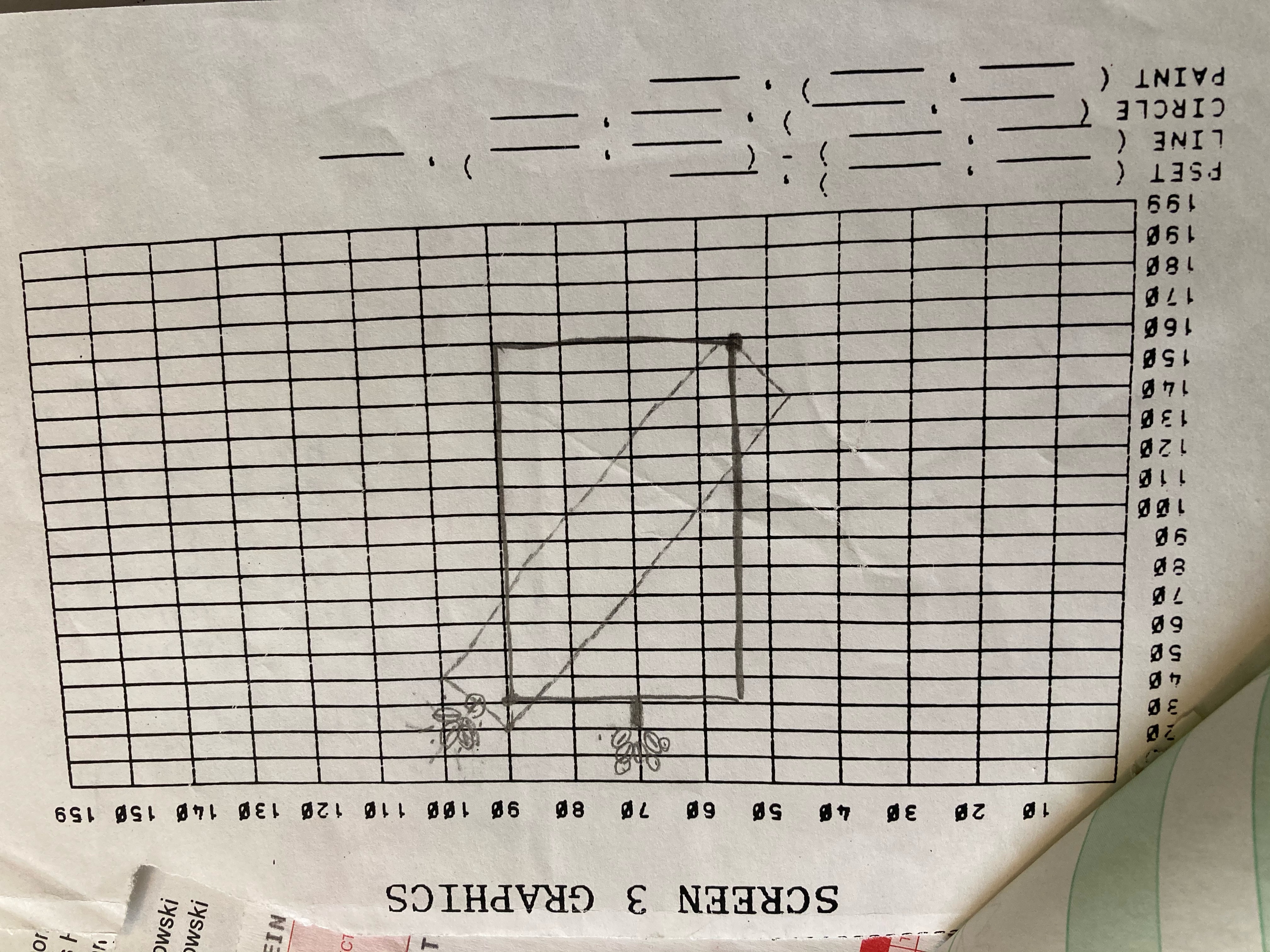
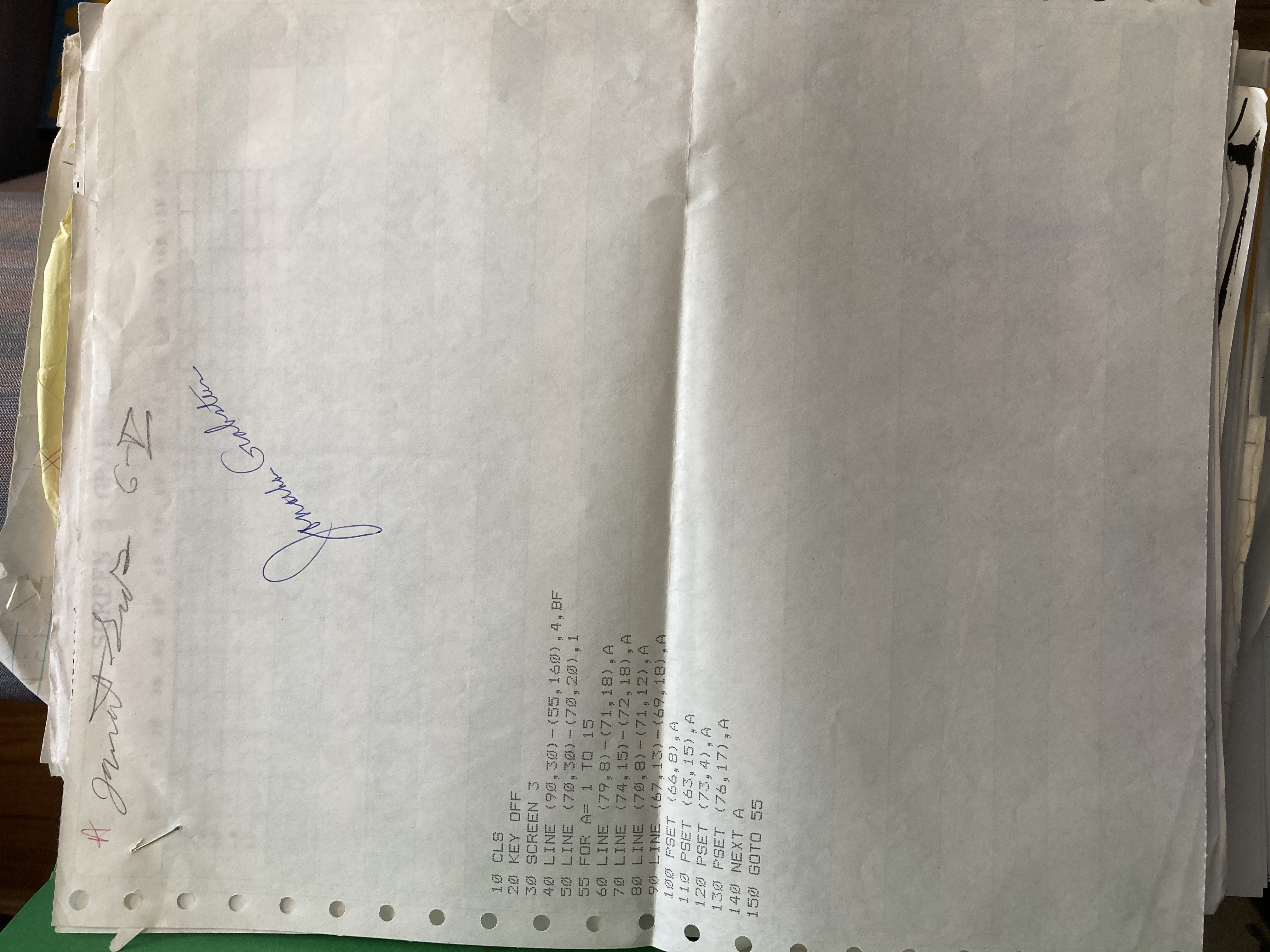
Before I begin, I’d like to share my background a little bit. I’ve been writing code off and on since I took my first programming class in 6th grade. This class taught BASIC on PCjr machines and, at the time, I had fun doing it but didn’t fully grasp what I learned until 2 or 3 years later when I discovered QBasic on a machine at my dad’s job and I had an idea for how I could write a program to animate a ball bouncing around the screen. From that point on, I was writing a significant amount of code and tearing through programming languages first with REALBasic (then, called CrossBasic or XBasic), to C, then C++, then PERL, ObjC, PHP, BASH, Python, Ruby…… and on and on.

Much in the same regard that I’m pretty much a programming language slut, I’m also an operating system slut. I love seeing how OS’s do things differently and all this diversity has given me, what I consider to be, a pretty decent perspective on good, better and best ways of doing things.

Jumping between these languages, I’ve seen all the various -isms that each language attempts to steer you into. I’ve seen languages go out of their way to make things easier for the developer or easier for the compiler. This leads me to my first section.

You’re doing it wrong

The first, very wrong thing that jumped out at me early in my PHP learning process was that, off the bat, it encourages developers to mix their business logic with their view code. PHP was designed, from day one, to be embedded in HTML.

I understand that this was done for the express reason of lowering the barrier to entry and enabling users to build dynamic web content with minimal effort. This is a great idea, and I’m not faulting the original PHP developers for it, but I feel that it is a bad move to make that part of the core language. If a developer is creating some code that they want to share between projects, whether that code will be used for web content or a commandline script or whatever, they must wrap their code in start and end tags (<?php //code… ?>).

Since the majority of the code that I write is stuff that runs on the commandline, I find it a little annoying to always need to wrap my code in these tags. When creating a web application, especially when using MVC design concepts, the only code that should use embedding is the view code. The rest of the app should both be non-web-accessible and also be nothing but code.

Of course, when running things on the commandline or using CGI (with nginx, for instance), you can configure it to use the ‘-r’ switch to disable the requirement of said tags, but when using mod_php in apache (as is most often the case), this is not an easy task. Also, if you’re mixing files that contain start/end tags with files that do not, it can get hairy, especially if you forget to use the switch.

PHP should have a built-in method for automatically detecting that a file should be treated as raw sourcecode vs embedded code. The most obvious solution would be the use of different file extensions. Personally, I’d choose ‘phpe’ for files with start/end tags and just ‘php’ for raw php source. I don’t believe that affects the difficulty for beginner users in any way and also hints that there is a time and a place for each type of file.

This concludes Part 1. If you’ve got any corrections, you can post in the comments or contact me. Contact info is available on my website (http://spike.grobste.in).

Throughput and the power it holds

I’ve been getting increasingly frustrated with the current broadband offerings provided by nearly all of the ISPs in the area. Although they place a lot of restrictions on their users, the most annoying restriction that I’ve encountered from my own provider (TimeWarner’s RoadRunner cable internet service) is that, even with their “Turbo” package, their upstream throughput is horrific.

Whenever I go to a friend’s place with my laptop, one of the first things I do is check out speedtest.net and see what kind of speeds they’re given. At home, I typically see approximately 30Mbit/0.5Mbit (down/up). While the downstream throughput is FANTASTIC, the upstream is embarrassing. Most “competing” services provide 1/3 of the downstream in exchange for 4 to 6 times the upstream.

I quote “competing” because in this area, there is little, if any, overlap between consumer broadband internet providers. Frequently, you’re left with one option: whichever company services your area. I can’t get FiOS here. I can’t get Speakeasy. I could get business broadband, but I don’t want to spend > $200/month.

The upstream throughput on the consumer offering from TimeWarner is embarrassing. Let me put this into perspective.

Last summer, I went to Ireland and, having just purchased a new Samsung 14.7MP digital camera, proceeded to take a LOT of pictures. Between my camera (whose battery kept dying) and my iphone, I took around 1200 pictures. Once I got home, I spent days going through the photos, deleting duplicates and any blurry pictures or ones with bad lighting. My plan thereafter was to upload them to Flickr. It took me nearly 8 days to get them uploaded to the site and during that time, I was mostly unable to function in my normal digital world. The upstream to my internet connection was completely saturated during this time which was causing severe slowdowns to my downstream throughput. My 360 was unable to remain connected to Live, netflix would only stream in the lowest quality possible and Youtube would take forever to load videos. I could barely do anything except read slashdot and chat on AIM.

Back when broadband internet connections were new, only more technical people got on that. Less techie users stuck with AOL or whatever dialup service they had and the geeks out there would saturate their broadband connections by distributing music and video; it was a heaven for the media hungry minority and they were blamed for all kinds of issues that remain today.

Today, everyone is uploading media to Picasa, Flickr, Facebook, myspace, YouTube, etc etc etc. It’s not uncommon for a normal user to upload 500MB of their own content to some website. It’s not uncommon for a normal user to own a camera or even a cellphone that takes multi megabyte photos. Cable companies (especially TimeWarner) need to realize this and provide an acceptable service to their users.

Heavy users are not pirates anymore and the industry needs to stop treating us like we are.